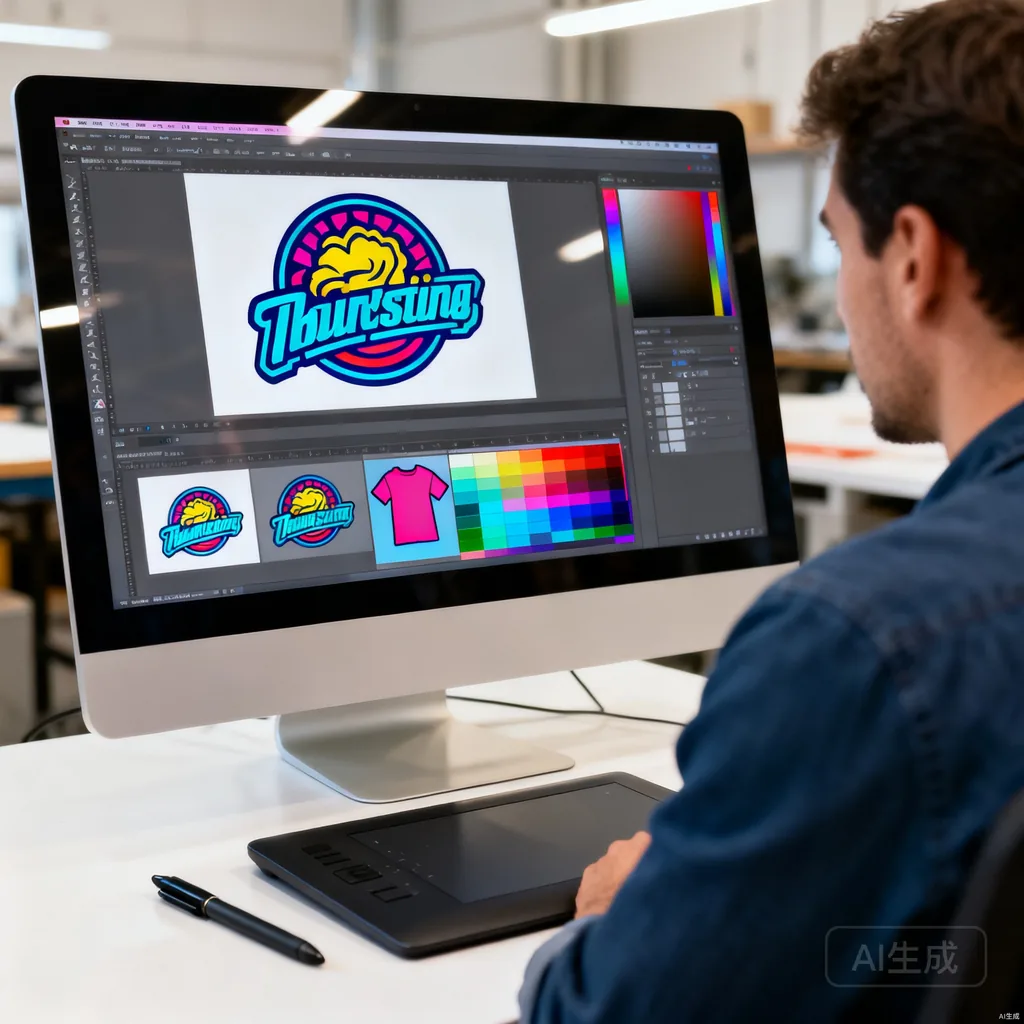
Proper artwork preparation is essential for great t-shirt prints. This guide covers everything you need to know before sending your design to the printer.
Accepted File Formats
- Vector (preferred): AI, EPS, SVG u2014 infinitely scalable, clean edges
- Raster: PNG (300 DPI), PSD, TIFF u2014 must be high resolution
- PDF: Accepted if created from vector software
Resolution Requirements
For raster images: minimum 300 DPI at actual print size. A 12-inch wide design needs to be 3600 pixels wide at 300 DPI.
Color Mode
- Screen printing: Use Pantone (PMS) colors for exact color matching
- DTG/DTF: CMYK color mode for accurate color reproduction
- RGB files will be converted u2014 colors may shift slightly
Design Tips
- Keep text at least 0.25 inches tall for readability
- Avoid gradients for screen printing (use DTG instead)
- Include a transparent background for non-rectangular designs
- Account for garment color u2014 designs look different on white vs black
- Leave 2-3 inches margin from seams and collar
Common Mistakes to Avoid
- Low-resolution images (under 150 DPI)
- JPEG files with compression artifacts
- Designs with too many colors for screen printing budget
- Text too small to read after printing
Conclusion
Proper artwork preparation ensures the best print results. Send your design and our team will review it for free before production.
This article was reviewed by our manufacturing team. OEM T-shirts is a professional t-shirt manufacturer with 10+ years of experience, serving 500+ brands worldwide. Learn more about our factory or view our quality certifications.
